How HelixQA Works_
Run test suites on every change to your prompts, models and retrieval — and get scores for correctness, groundedness, instruction following, safety and regressions before you ship.







Start from your own test cases or generate candidates, run the suite, and read a report with a score per quality dimension.


Run on every commit
Detect changes in answers across versions and prompts

Catch regressions
Fail the build when a case flips from pass to fail
Run on every commit
Detect changes in answers across versions and prompts

Score every dimension
Correctness, groundedness, safety and more, in one report

Generate test cases
Approve candidates before they become tests
Define or generate test cases, run suites on demand or in CI, and read a report that shows what passed, what failed and what changed.


API and webhooks
Explore the product
Read the docs

Run suites automatically and spend your time fixing what the report flags.
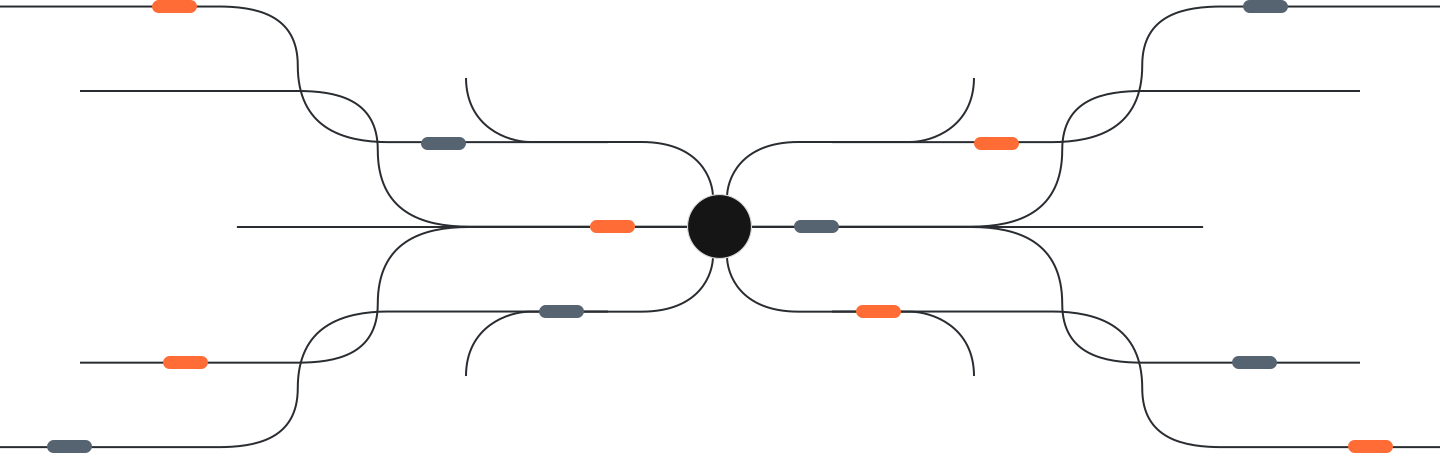




Trigger suites from CI, schedules and webhooks, then route results back to your team as checks and notifications.
Get Started
Each report shows pass and fail per case, per quality dimension, and diffs against the previous run.
Report per run, with scores, failures and diffs.
Start free, upgrade when your suites grow.
Read the docs
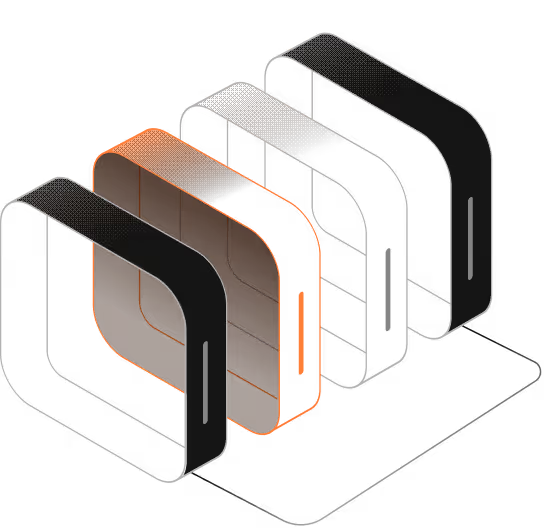

Suites run on every change to prompts and models,
so regressions surface before release instead of in production.

Teams review one report per run with scores for correctness, groundedness and safety,
then fix the failing cases before the release ships.

Candidates for new test cases are generated for review,
so nothing enters a suite without an approve step.

Runs are triggered from CI and schedules, with webhooks pushing results into the tools teams already use.
Every run keeps its history, so quality can be compared across versions.



Run suites quickly, monitor quality over time, and keep test data private with scoped access.
Security and access control
Scoped API keys, per-workspace access control and configurable data retention.

Fast Suite Runs
Run large suites on a schedule or on every commit without slowing your pipeline.

Scheduled Runs and Alerts
Scheduled runs and webhooks notify your team when quality drops, around the clock.

Security and access control
Scoped API keys, per-workspace access control and configurable data retention.

Explore transparent pricing. Start free, scale as your suites grow.
For individuals evaluating their first AI product.
$0
/Forever

1 Active Project
1M free API requests
Basic suite automation
Community Support
Need more? Talk to us about volume pricing, custom integrations and procurement.
Unlimited Active Projects
Unlimited API Requests
Advanced suite automation
Dedicated Account Support
Community Support
Tailored enterprise features
Dedicated API solutions
Advanced suite automation
Custom evaluation criteria
Access control and retention controls
Unlimited scalability
Priority support
Team Roles & Permission Control
Real Time Monitoring
Custom Integration
For individuals evaluating their first AI product.
$0
/Forever
1 Active Project
1M free API requests
Basic suite automation
Community Support
For small teams running suites on a single project.
$69
/Monthly
Up to 5 Projects
10M API Requests/mo
Basic suite automation
Community Support
For growing teams testing several AI products.
$165
/Monthly
20 Projects
50M API Requests/mo
Advanced suite automation
Priority Support Response
For teams running suites across many projects and versions.
$229
/Monthly
Unlimited Projects
Unlimited API Requests
Advanced suite automation
Dedicated Account Support
Need more? Talk to us about volume pricing, custom integrations and procurement.
Unlimited Active Projects
Unlimited API Requests
Advanced suite automation
Dedicated Account Support
Community Support
Tailored enterprise features
Dedicated API solutions
Advanced suite automation
Custom evaluation criteria
Access control and retention controls
Unlimited scalability
Priority support
Team Roles & Permission Control
Real Time Monitoring
Custom Integration

Quickstart: install the SDK and run your first suite
Set up authentication, create a project and read your first QA report in a few minutes.

Authentication: API keys and scoped access
Create and rotate API keys, scope them per workspace, and keep tokens out of logs.

Integration: run suites from CI and webhooks
Trigger suites on every commit, get results back as checks, and receive webhooks when a run fails.

Test generation: candidate cases you approve
Generate candidate test cases with AI, preview them, and save only what you approve.


FAQ updated regularly based on user feedback.
01
Do I need advanced programming skills to use HelixQA?

No. You can create suites and runs from the dashboard; developers can use the API for deeper integration.
02
Can HelixQA be integrated with the tools and systems I already use?
Yes. HelixQA offers a REST API, webhooks and SDKs that fit into your existing CI pipeline.
03
Can I bring my own test cases and datasets?
Yes. Write test cases manually, generate candidates with AI and approve them before saving, or import your own datasets.
04
Which languages are supported by the HelixQA SDKs?
HelixQA SDKs cover JavaScript and Python, and any language that can call a REST API.
05
Is HelixQA suitable for teams with strict data requirements?
Yes. Access is scoped per workspace with API keys, and you control how long test data is retained.
Everything you need to know about running quality suites on your AI products.

Test your AI before your users do — start a free suite, or talk to us about a pilot.